Streaming by meaning
A provisional translation flows before the clause ends and settles quietly once it is final. The screen never shrinks, so it stays readable.
Church services · Conferences · Seminars
Not captions that wait for the sentence to end. Live translated captions that stream by meaning, the way a simultaneous interpreter works. Feed it the sermon notes or the slides and names and terms get more accurate. Switch it on ten minutes before, and reuse one link every week.
A simulated illustration of how it behaves — the translation starts flowing before the speaker finishes, then settles when the clause is final.
Ordinary auto-captions translate only after the sentence ends, so the audience is always one sentence behind the speaker. Interpreter booths and receivers are accurate, but they cost budget and people every single week.
How it works
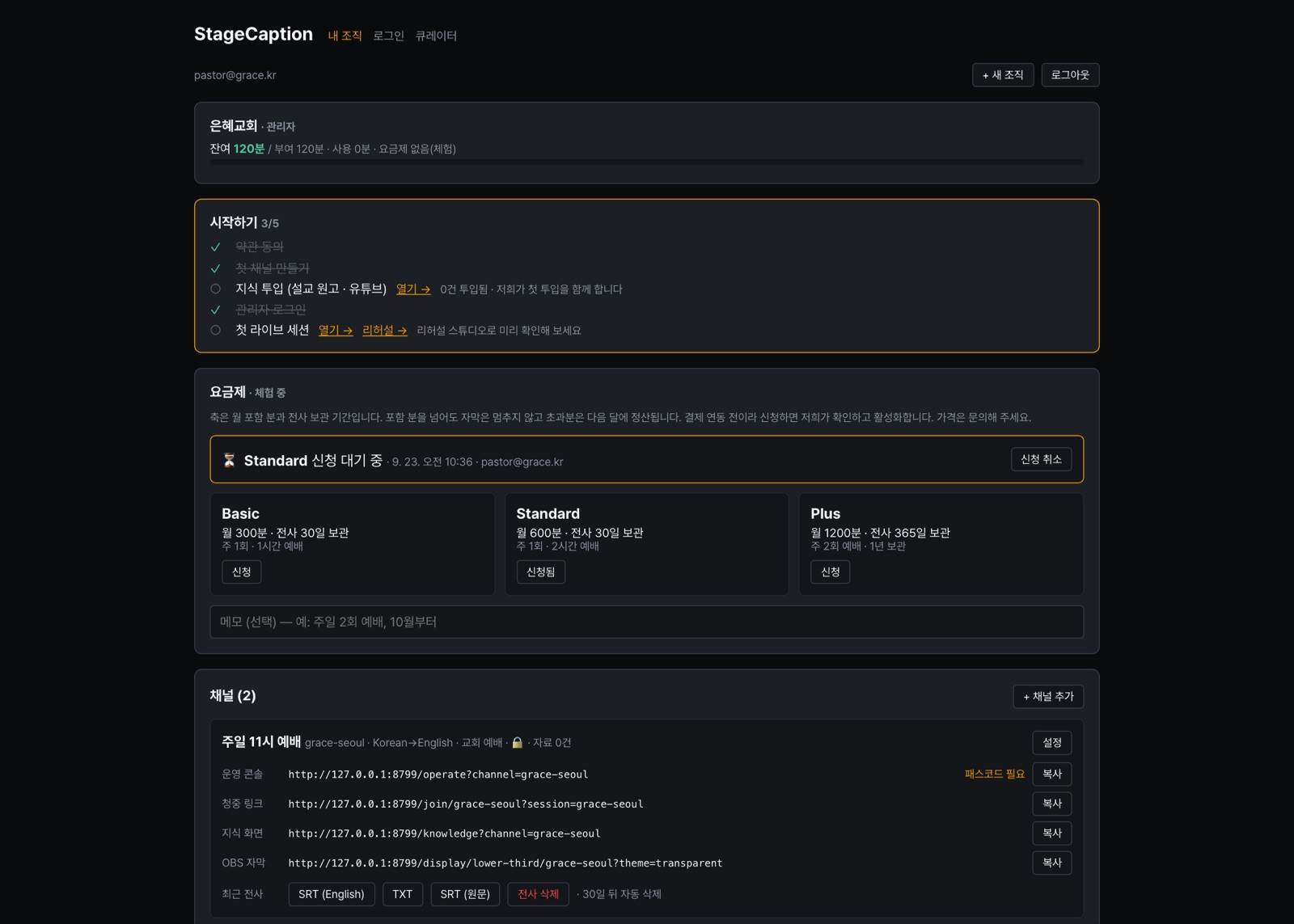
A channel is one stage (one microphone). Sign up with an email, name your hall, and you get the audience link and QR, the operator console link and the OBS source right away. Same links every week.
Drop in sermon notes, slides or a YouTube link of a past service. We extract names, terms and context and keep them on the channel. The original text is never stored. We walk you through the first one.
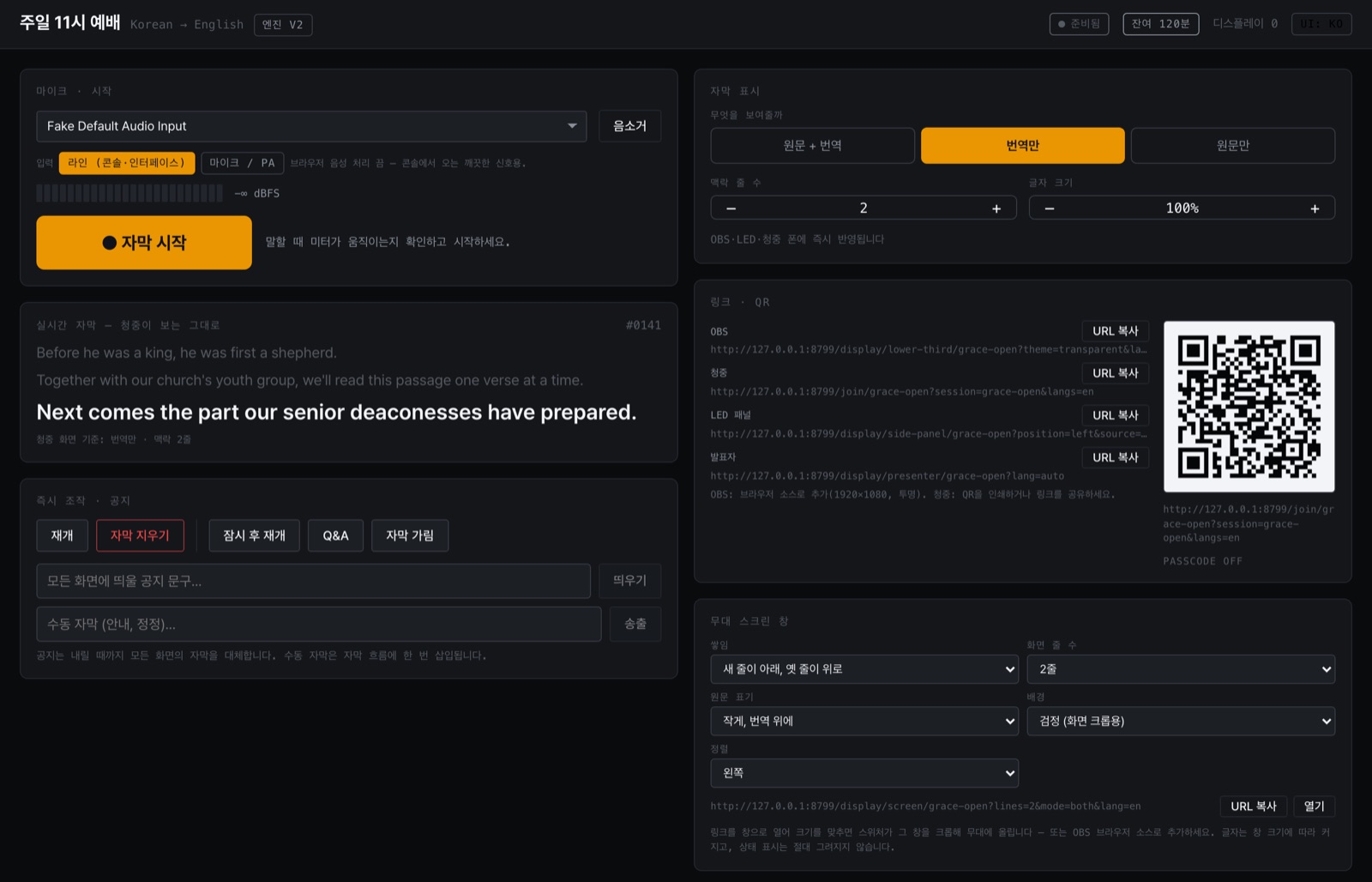
The media team opens the console, enters the passcode and starts. Source + translation, translation only, source only and the number of context lines can be changed on the spot. A transcript (SRT/TXT) remains afterwards.
Features
A provisional translation flows before the clause ends and settles quietly once it is final. The screen never shrinks, so it stays readable.
Shared (scripture, industry) < category < your channel — the more specific term wins. New terms are learned automatically every week.
Source + translation, translation only or source only; context lines; font size. Change it in the console and every screen follows instantly.
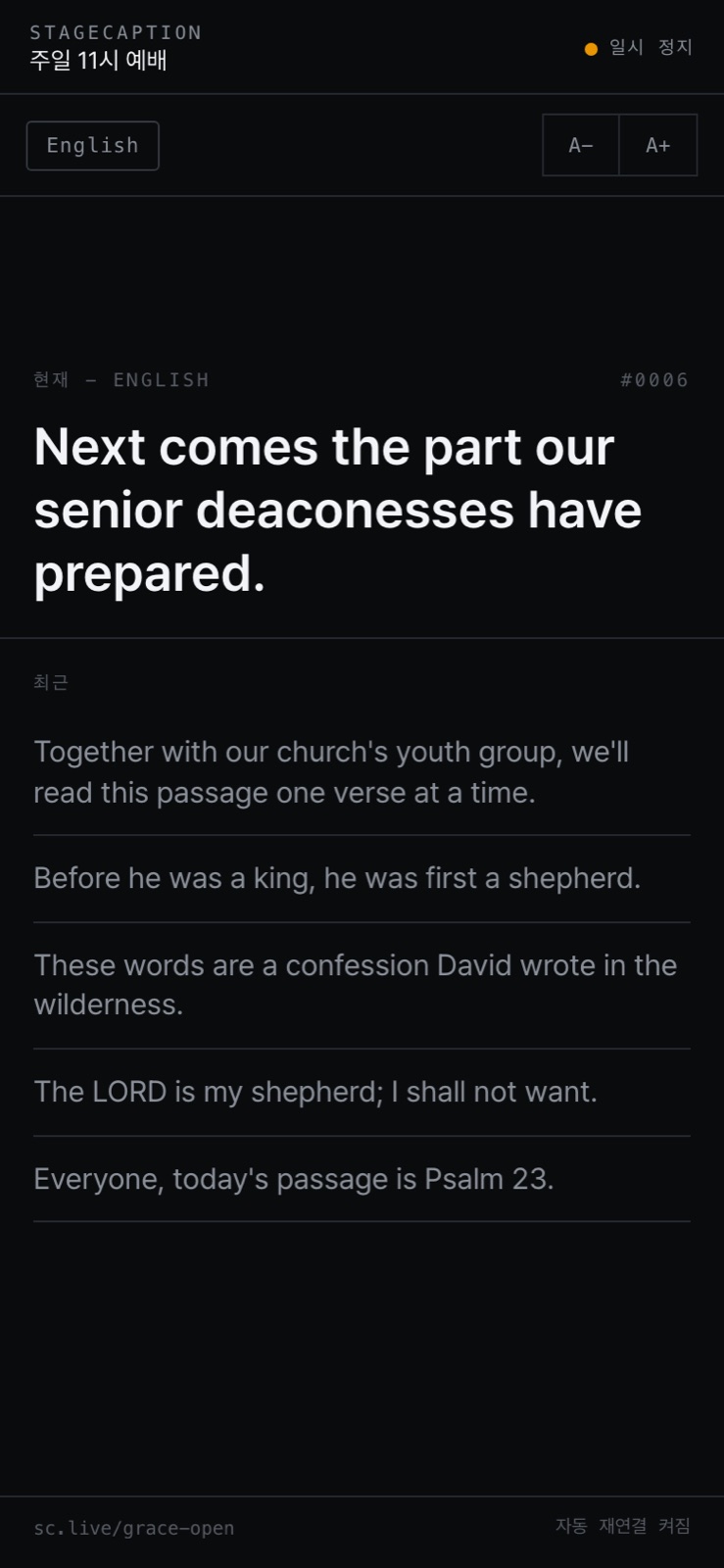
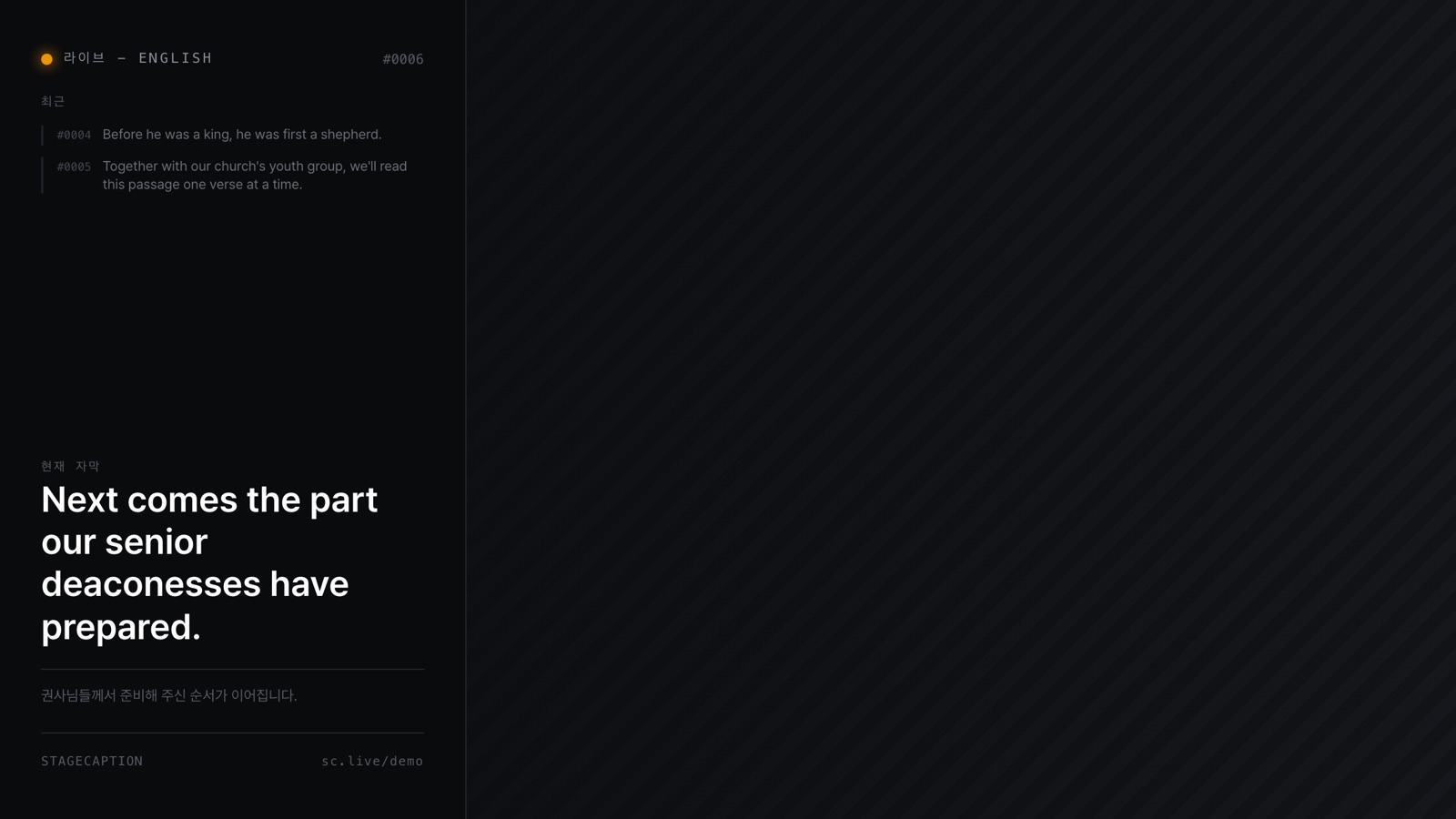
OBS browser source (transparent lower third), LED side panel, and a mobile page the audience opens from a QR code. No app to install.
Operators enter the console with the channel passcode. Only admins sign in by email to manage channels, members and billing.
Run captions on a recording of a past service, fix wrong terms on the spot, and see the quality before the first live service.
Screens
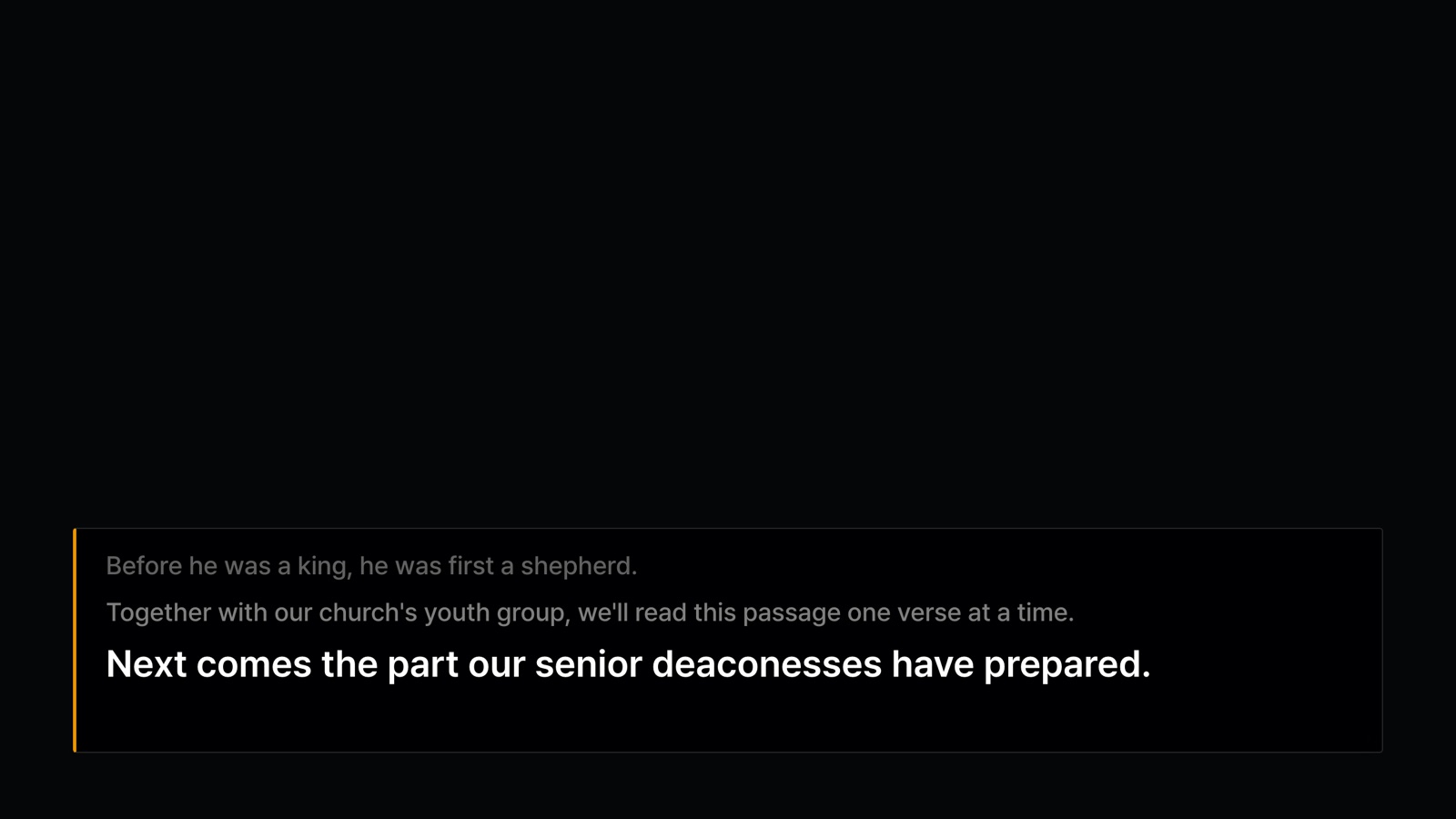
Use cases
Every member follows the same sermon, in their own language. Sunday captions for multicultural members, international students and spouses. Add the sermon notes each week and names, places and church-specific terms come out right.
International speakers, multilingual audiences. Add the slides and speaker bios and product names and technical terms come out right. We help with on-site setup and rehearsal.
Pricing
The unit is minutes used. Going over the included minutes never stops the captions — overage is settled next month. Every new organization gets 120 free minutes.
₩39,000 / month
360 min / month (6 h)
One 1-hour service a week
₩79,000 / month
900 min / month (15 h)
One or two services a week
₩149,000 / month
2,100 min / month (35 h)
Two or more services a week · several stages
Excluding VAT. Overage is ₩100 per minute, settled next month. Onboarding help (audio hookup, glossary, first service) is a one-time ₩200,000–500,000. Several caption languages at once is in preparation and will switch on within each plan's language count. Events (conferences) are quoted separately with time passes and on-site operation. Prices may change before launch.
So it was built this way from the start.
FAQ
Yes. Speech is transcribed and translated in the cloud. Ordinary venue internet (1 Mbps upload or more) is enough, and the connection re-attaches by itself if it drops.
A laptop (or iPad), Chrome and a microphone. If you have a mixing console, a USB audio interface with a line feed is recommended. Output goes to an OBS browser source or a window on the projector.
Captions between Korean, English, Japanese, Chinese and Spanish. Today a channel has one spoken language and one caption language. Several caption languages at once is on the roadmap.
High for ordinary speech; names and specialist terms improve with the material you add, which is why we do the first intake and rehearsal with you. Captions are machine-generated and the audience page says so.
Captions keep going. Overage is billed per minute next month; only when you hit the monthly cap (twice the included minutes) can a new session not be started. The console always shows the remaining minutes.
Create as many channels as you need. Billing counts minutes used, never channels. Agencies manage several event channels under one organization.
Contact
Tell us about your church or event and we reply within a day. We do the first material intake and rehearsal with you.
Five minutes to sign up, one minute for the first channel. Rehearse on 120 free minutes, then decide.